
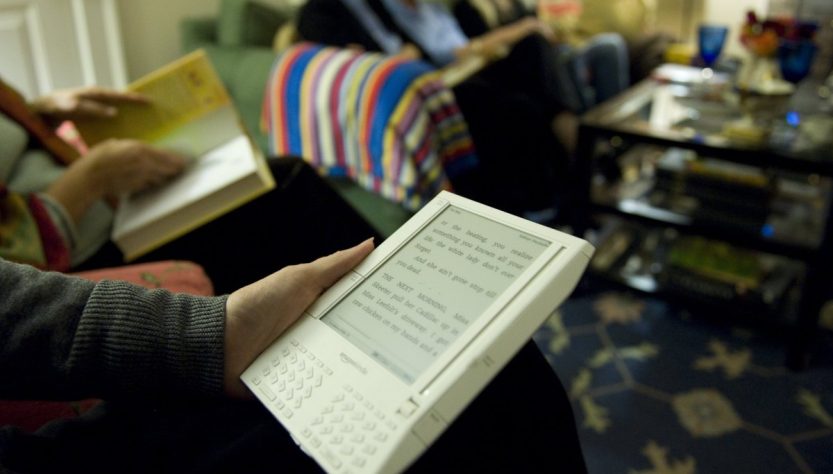
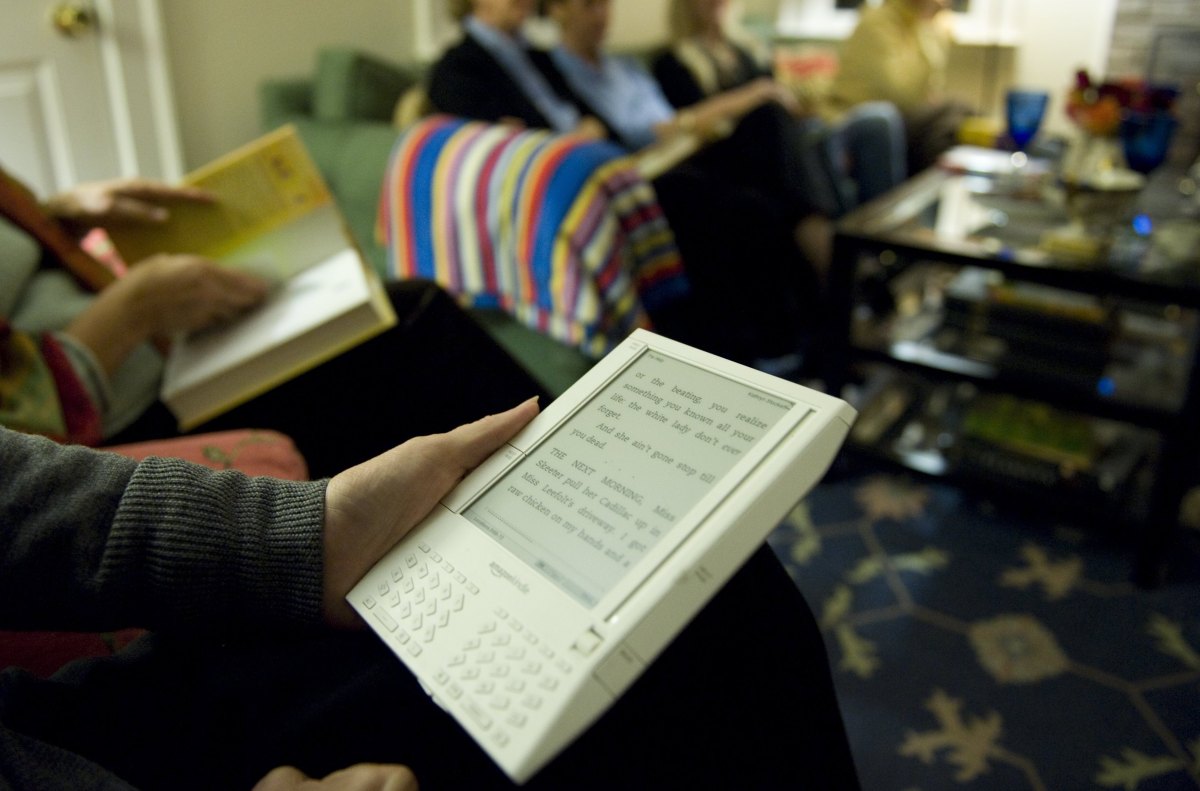
A significant number of users are jailbreaking their Kindles due to Amazon’s announcement of discontinuing technical support for older models.
As of May 20, Amazon will cease support for the following Kindle devices:
- Kindle 1st Generation
- Kindle 2nd Generation
- Kindle DX
- Kindle DX Graphite
- Kindle Keyboard
- Kindle 4
- Kindle 5
- Kindle Touch
- Kindle Paperwhite 1st Generation
- Kindle Fire 1st Generation
- Kindle Fire 2nd Generation
- Kindle Fire HD 7
- Kindle Fire HD 8.9
This decision means that users will only be able to access previously downloaded content on their devices. Consequently, many are resorting to jailbreaking.
Jailbreaking entails circumventing the software limitations set by Amazon on Kindle devices. This allows users to install custom fonts, new screensavers, alternative reading applications, and additional third-party tools that enhance the Kindle’s capabilities.
It’s essential to acknowledge that jailbreaking a Kindle could breach Amazon’s terms of service. While many regions do not classify jailbreaking as illegal for personal use, it may be considered unlawful if it involves copyright violations, illegal software distribution, or selling modified devices.
This guide serves only as informational content. Always observe legal requirements and proceed with care.
How are users jailbreaking older Kindles?
Numerous Kindle users choosing to jailbreak see it as a way to regain authority over a device they own, rather than needing to purchase a new one.
Nevertheless, jailbreaking is a technical procedure with potential risks, including the chance of making the device inoperable if errors occur. Furthermore, it may not be feasible on every Kindle model or firmware version, so users should research compatibility before proceeding.
After confirming compatibility, owners must undertake several additional steps:
- Disable Wi-Fi or activate airplane mode to avoid Amazon updating the Kindle and securing jailbreak vulnerabilities.
- Obtain a jailbreak package from reliable online communities. Ensure to download files from trusted sources, as there is a risk associated with malicious files from unverified origins. (The MobileRead Forum is commonly recognized as a dependable choice.)
- Download the Kindle jailbreak zip file, which includes a hotfix to preserve the jailbreak.
- Connect the Kindle to a computer using a USB cable, then transfer the .bin files directly to the root folder on the Kindle. Next, either enter “;log mrpi” in the Kindle’s search bar or navigate to settings and select “Update Your Kindle” to initiate the installation process.
- Install the Kindle Unified Application Launcher (KUAL) for managing applications and modifications on a jailbroken Kindle.
- Users may also install KOReader, a popular open-source e-book reader for jailbroken Kindles, offering features like support for multiple file formats (including EPUB), improved PDF handling, and an integrated file browser.
Considerations on drawbacks
Jailbreaking has its downsides. Running unofficial software may lead to unforeseen problems, including frequent application crashes or, in severe instances, an entirely non-functional device. Moreover, jailbreaking and utilizing third-party applications could adversely affect battery performance.
For those preferring a less risky alternative, sideloading books onto your Kindle via a USB cable and computer is always an option without altering the system software.
Additionally, numerous similar devices are in the market, such as the Boox Palma, Vivlio e-reader, and even the compact Xteink X3 that can attach to the rear of your phone.
Purchases made through links in our articles may result in a small commission for us. This does not influence our editorial independence.