
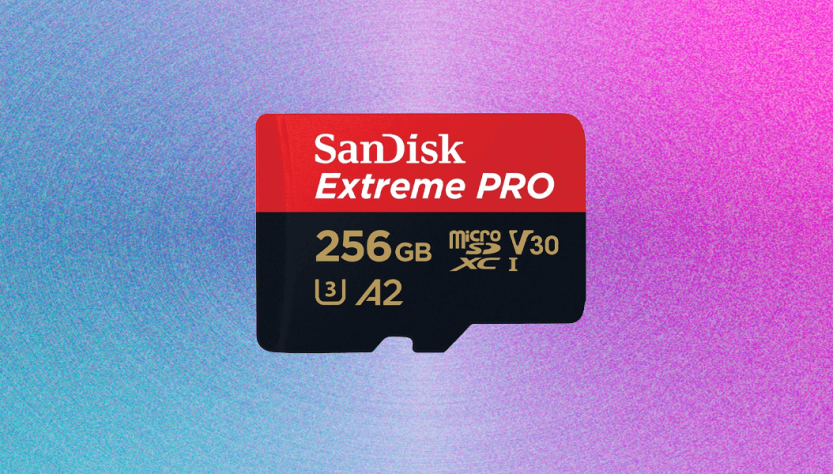
When selecting a MicroSD card, the array of figures, brands, and terms such as Pro, Extreme, and Express can be daunting. Generally, if you’re not a semi-professional photographer or videographer, it’s advisable to buy from reputable brands like PNY, SanDisk, and Lexar. Look for the “U” symbol with a 3 inside or a “V30” which offers a solid balance of speed and cost. There are exceptions:
For those using a high-end camera, you might consider a V60 MicroSD card if it fits your budget, as certain cameras can take advantage of enhanced video features with faster cards.
If you’re using a Nintendo Switch 2, a more expensive MicroSD Express card is necessary for playing games, although standard cards are adequate for transferring images and videos.
**Capacity**
Your storage requirements may differ, but when comparing 128 GB to 1 TB, be aware of the challenges of swapping cards on the move with increased capacities, as well as the sharply rising prices for 1 TB and 2 TB cards. The cost gap between 256 GB and 512 GB is narrower, so it might be worthwhile to opt for slightly larger sizes. Confirm that your device supports higher capacity cards above 64 GB, recognized as “SDXC” (Extended Capacity), which is currently the most common type.
**Speed**
For further information on MicroSD speeds, a detailed explanation is available, but here’s a brief summary. The minimum write speed of each card is indicated by a letter and number, where the number represents MB/s and the letter signifies the generation. C10, U1, and V10 represent equivalent speeds, merely labeled differently. Cards often display multiple symbols. For comprehensive details, the SD Association’s website provides a chart that compares speeds. Typically, cards that are slower than V30/U3 are rare in most shops, although they may be included with electronics that don’t require higher speeds.